Plan things better.Then get them done.
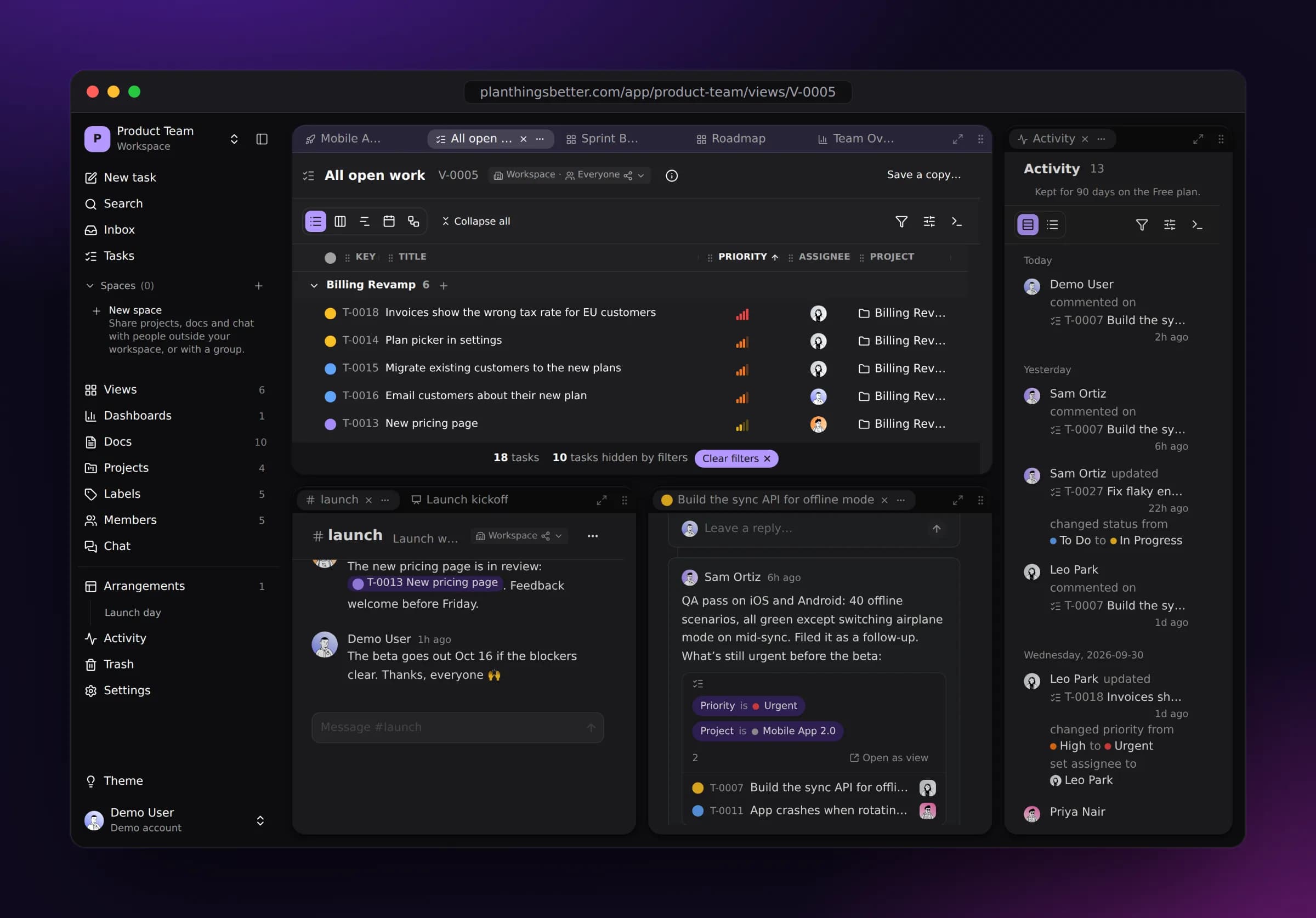
Plan Things Better is a fast, focused place for your tasks and projects. See the same work as a list, a board, a timeline, a calendar or a map of what depends on what, side by side in panes, and move through all of it without leaving the keyboard.
Free forever for one workspace. No card needed.
Or try a live demo, no sign-up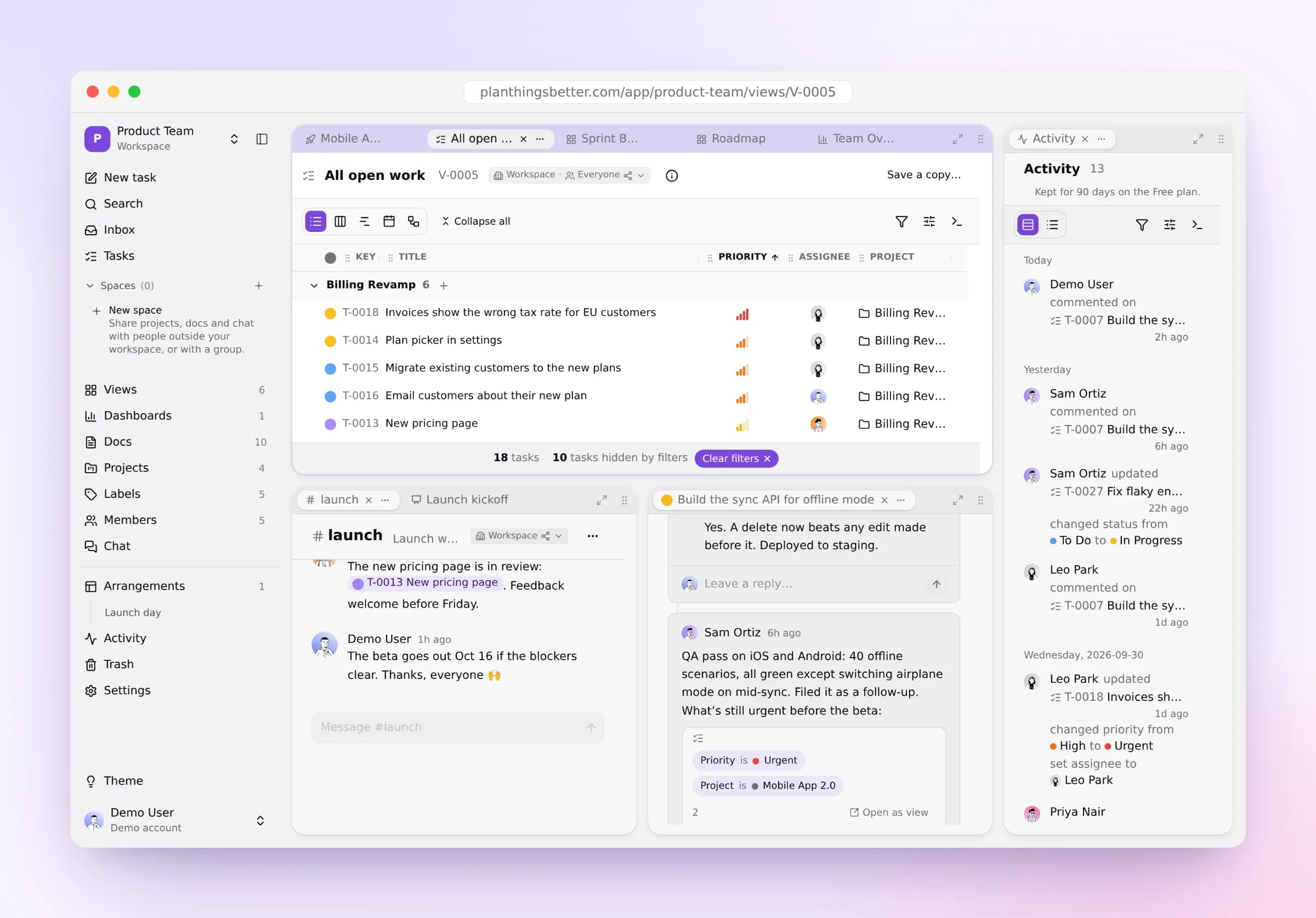
Try it now
Take it for a spin. No sign-up.
Open your own copy of a busy team’s workspace and try everything on real-looking work. It takes a few seconds, and nobody else sees it.
- A product team in launch week: a mobile release and a billing overhaul
- A launch plan with every kind of block: live task lists, diagrams, a whiteboard, slides
- A sprint board, a roadmap, a calendar, a dependency map and a dashboard
- The team’s chat, comment threads and a few days of activity
- All of it yours to change: drag, edit, link and delete
Kept for 3 days, then deleted.
Layouts
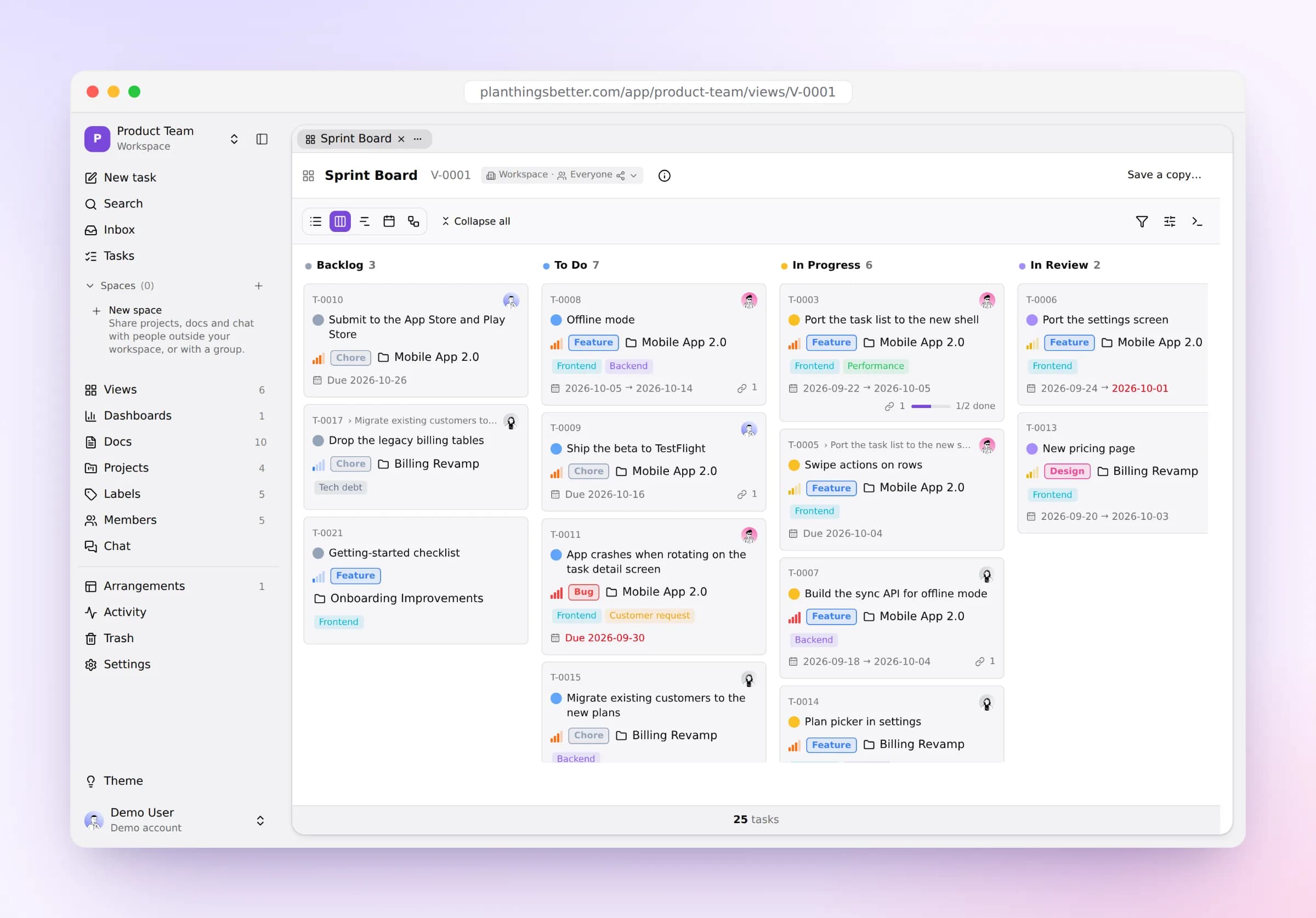
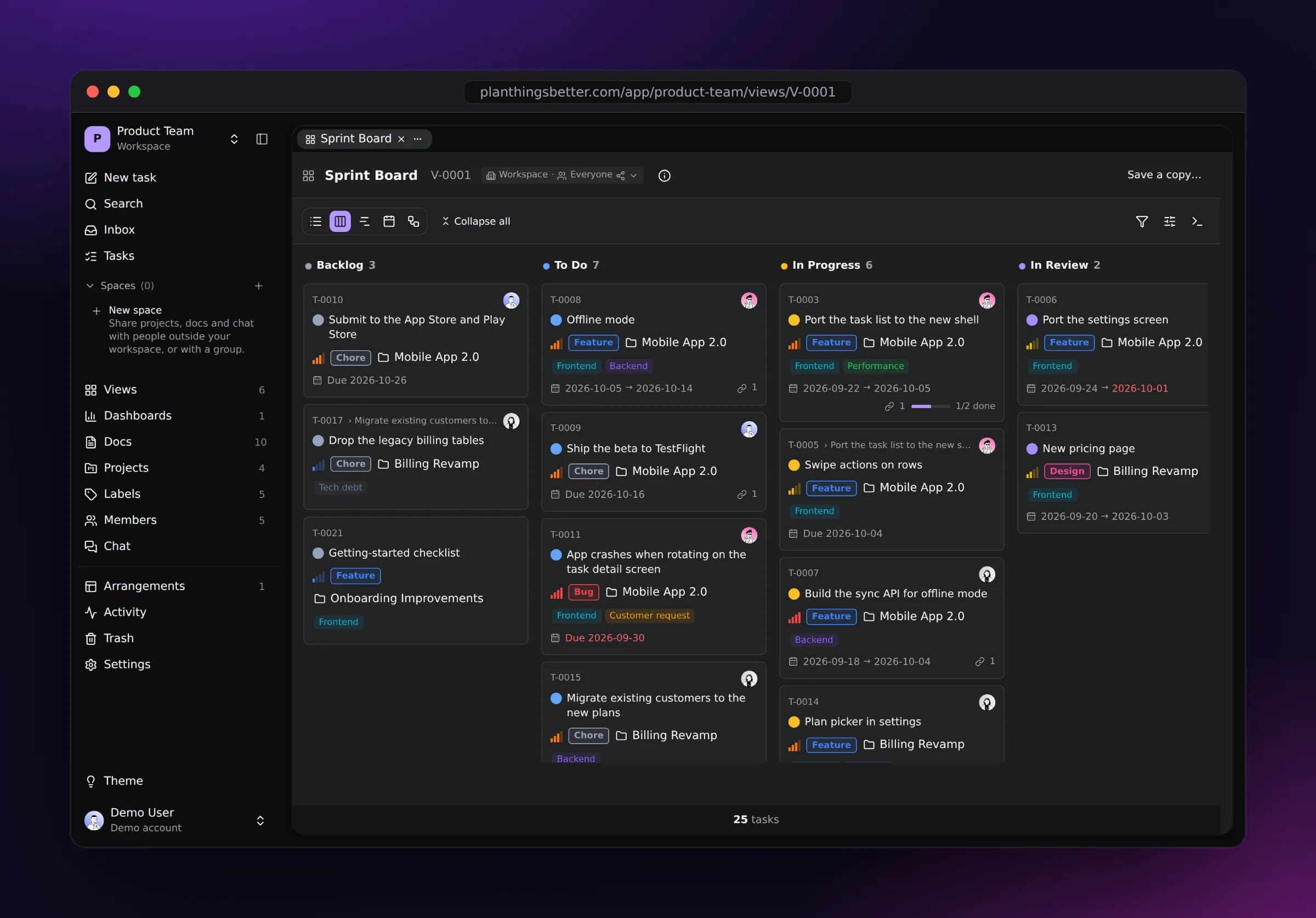
Six ways to see the same work
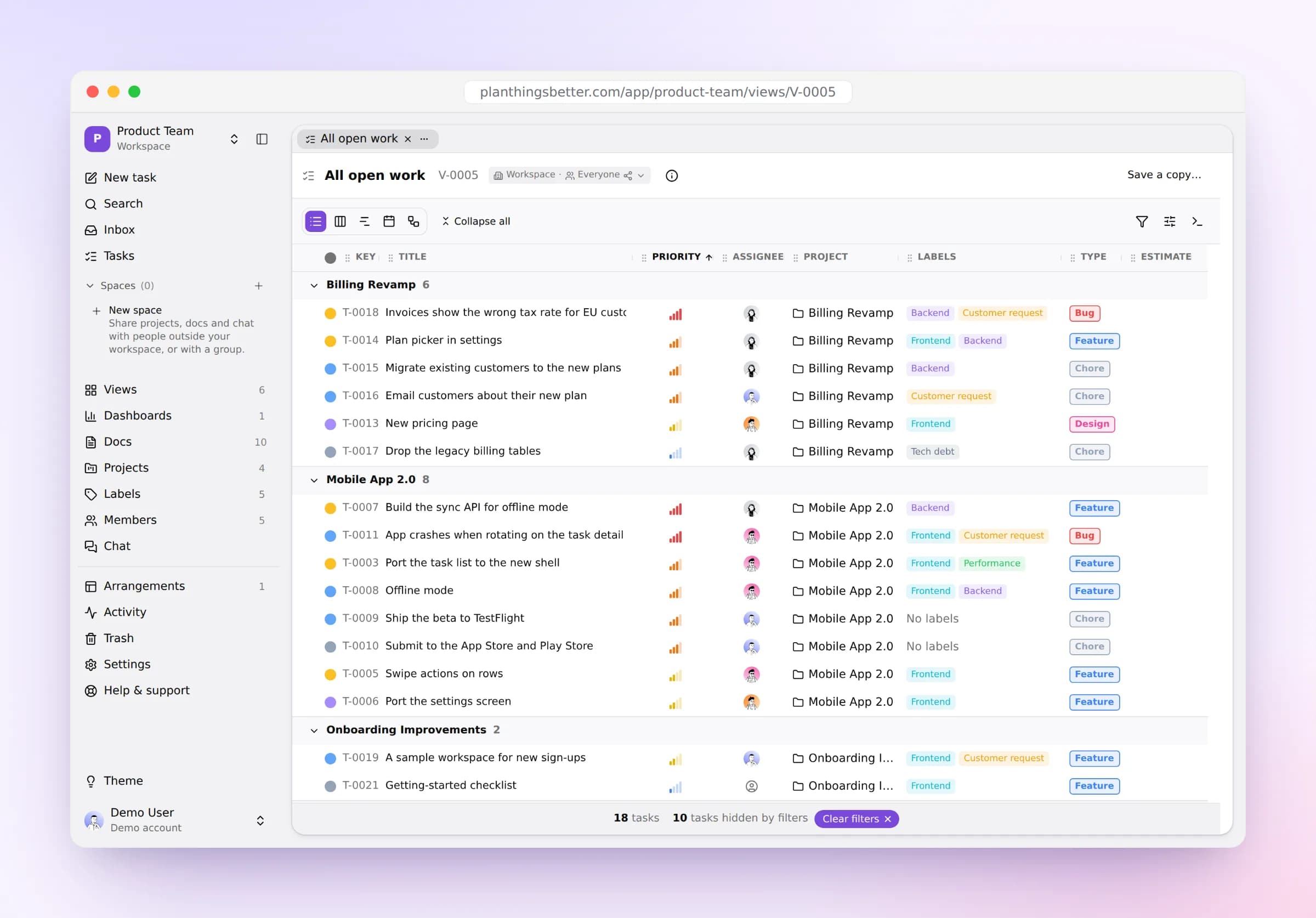
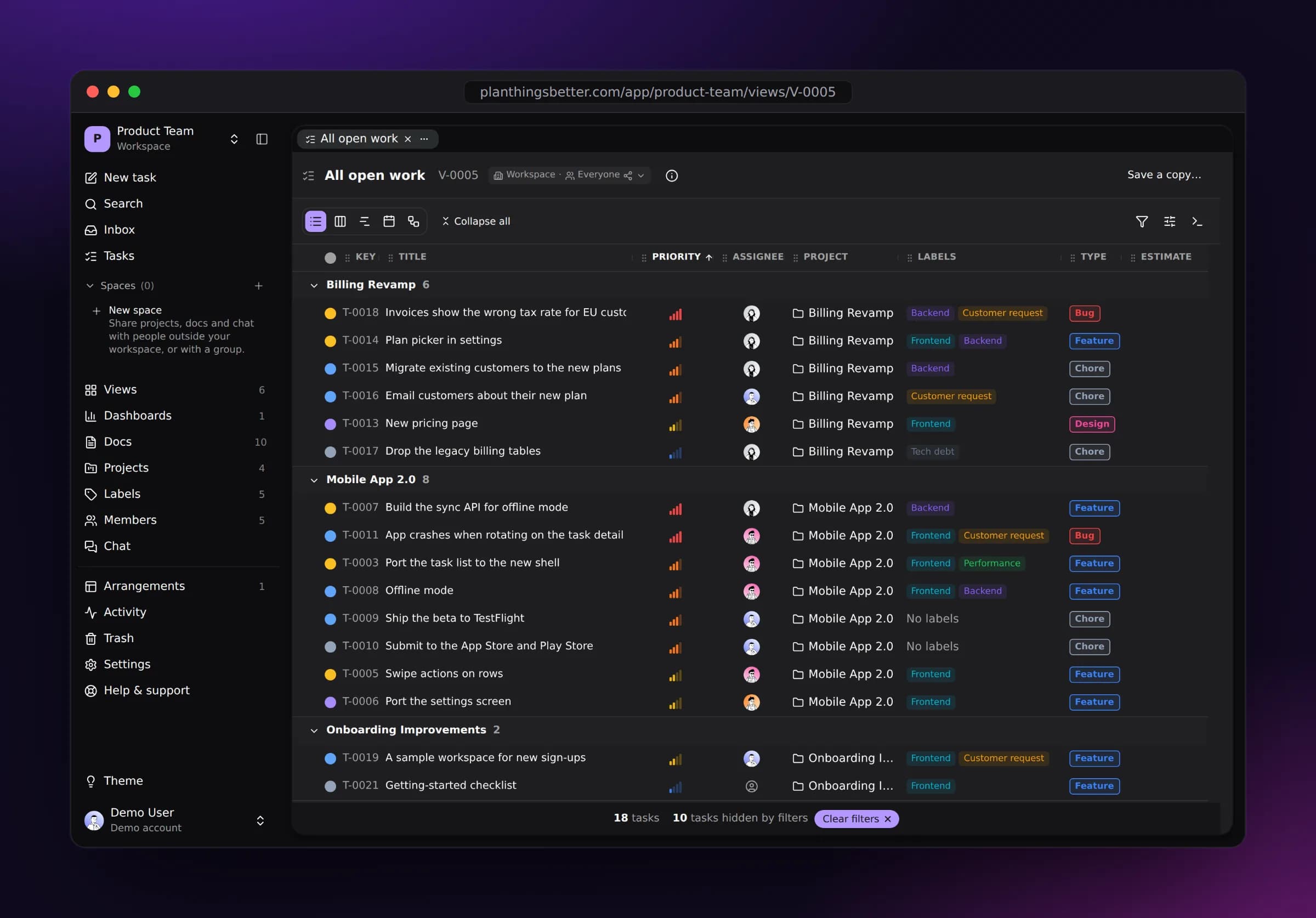
Switch any view between layouts without losing your filters, and save the ones you come back to.
Dense, grouped and sortable. Scan a hundred tasks at a glance and act on many at once.
Docs
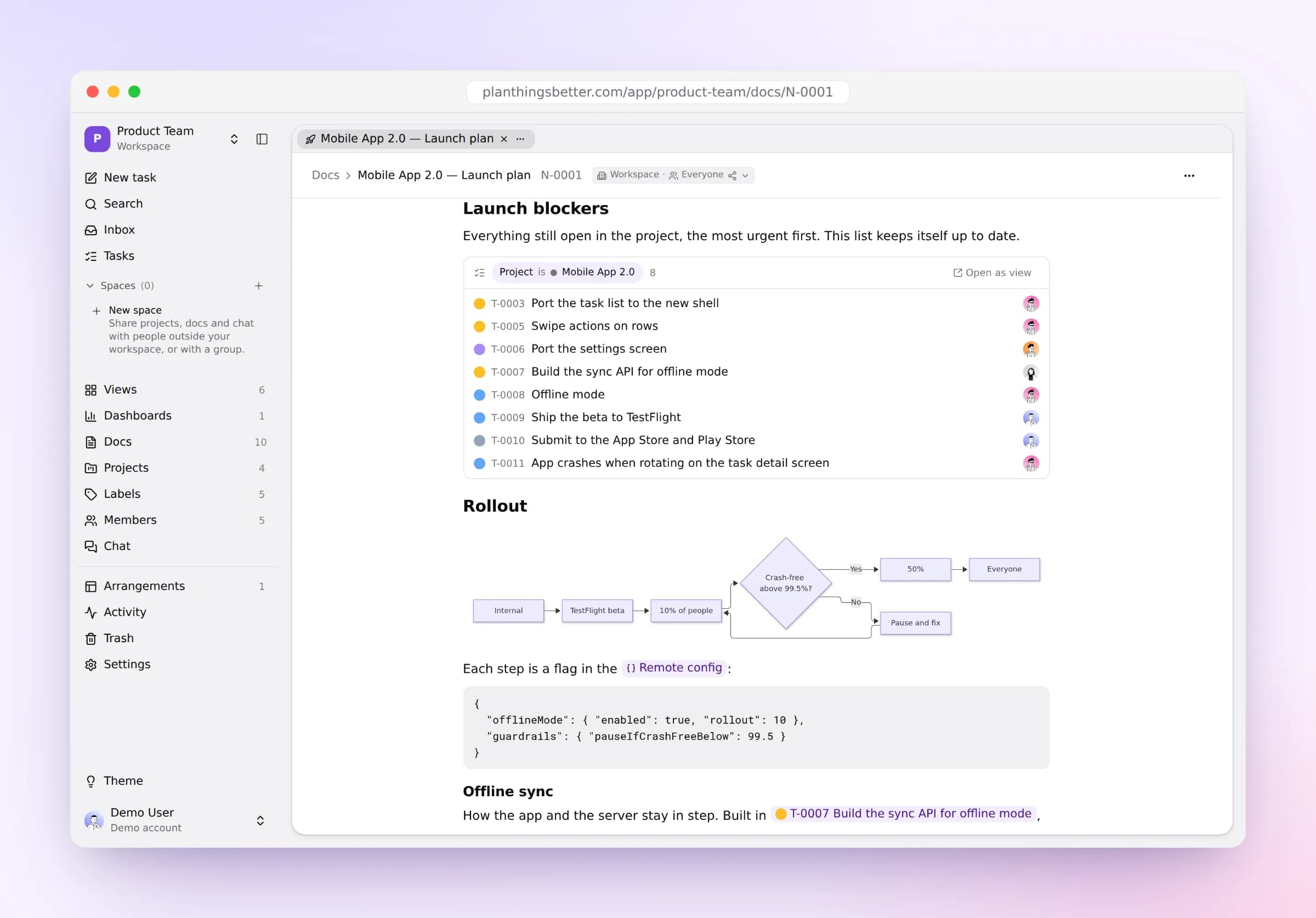
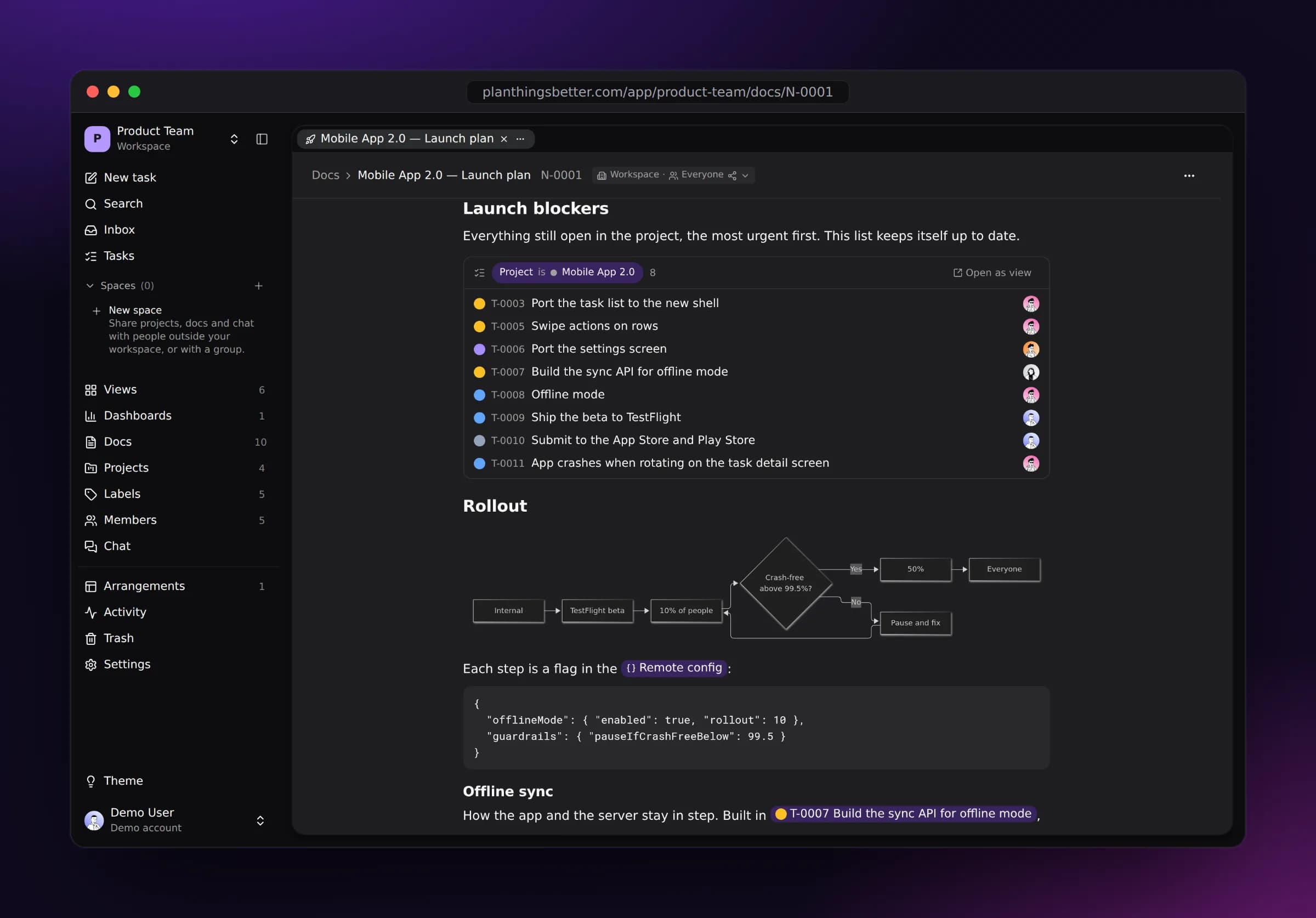
Write it down, right next to the work
Plans, specs and notes live in the same workspace as the tasks they’re about. Drop a live task list into a page and it keeps itself up to date, then add diagrams, formulas, code, a whiteboard, slides or a whole database.
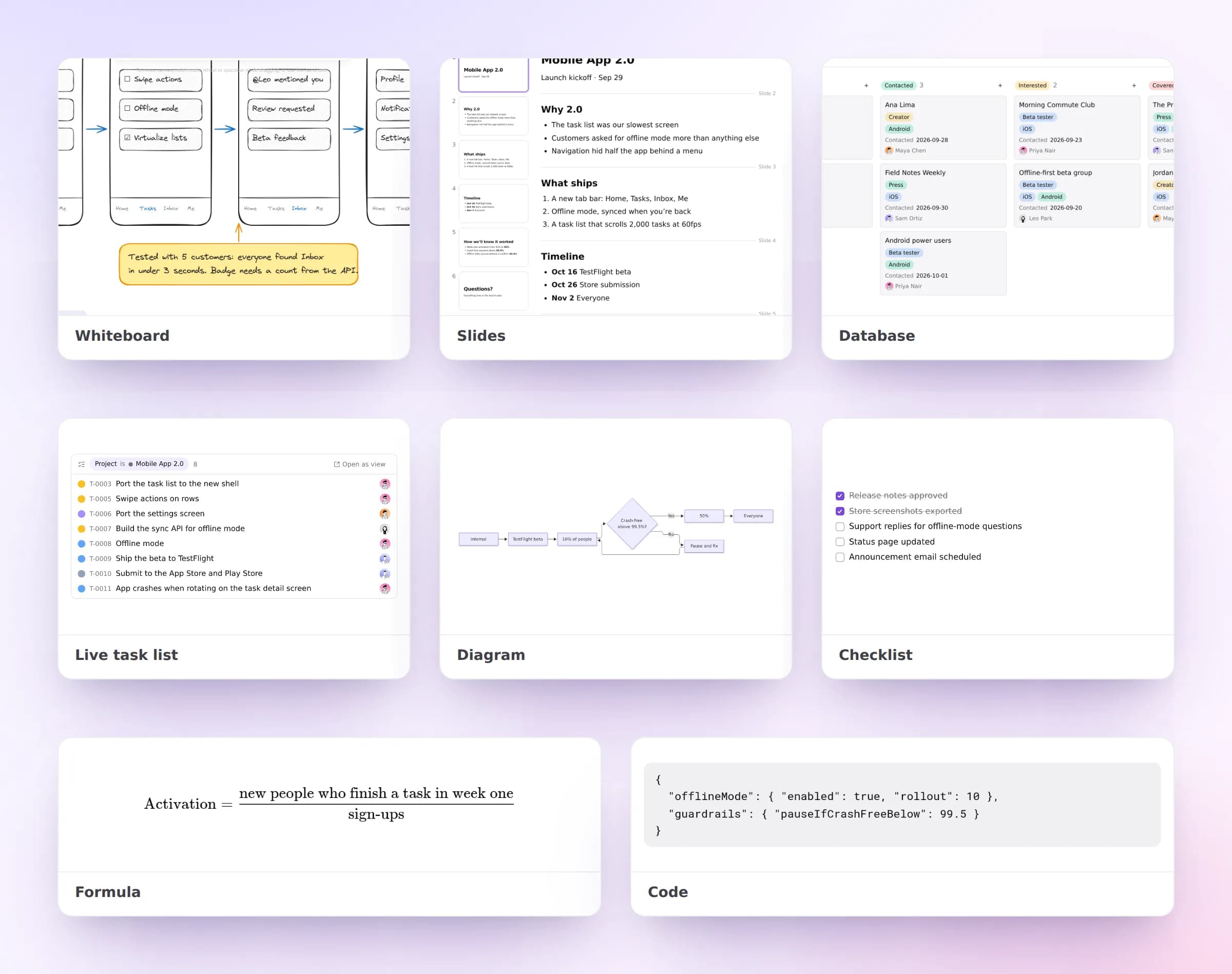
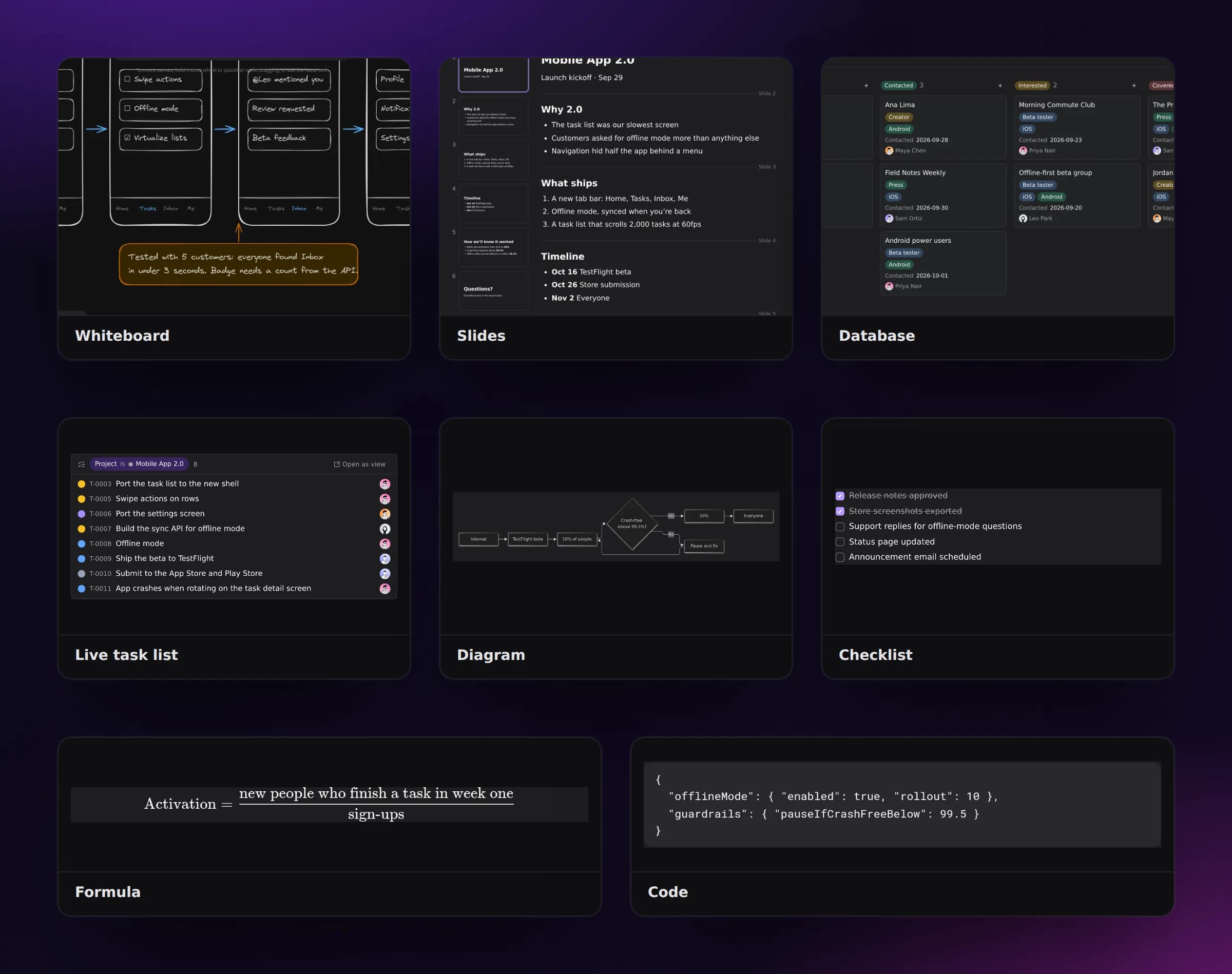
Together
Talk where the work is
Every task has its own thread and every team its own channels. Mentions land in an inbox, and every change is recorded in Activity.
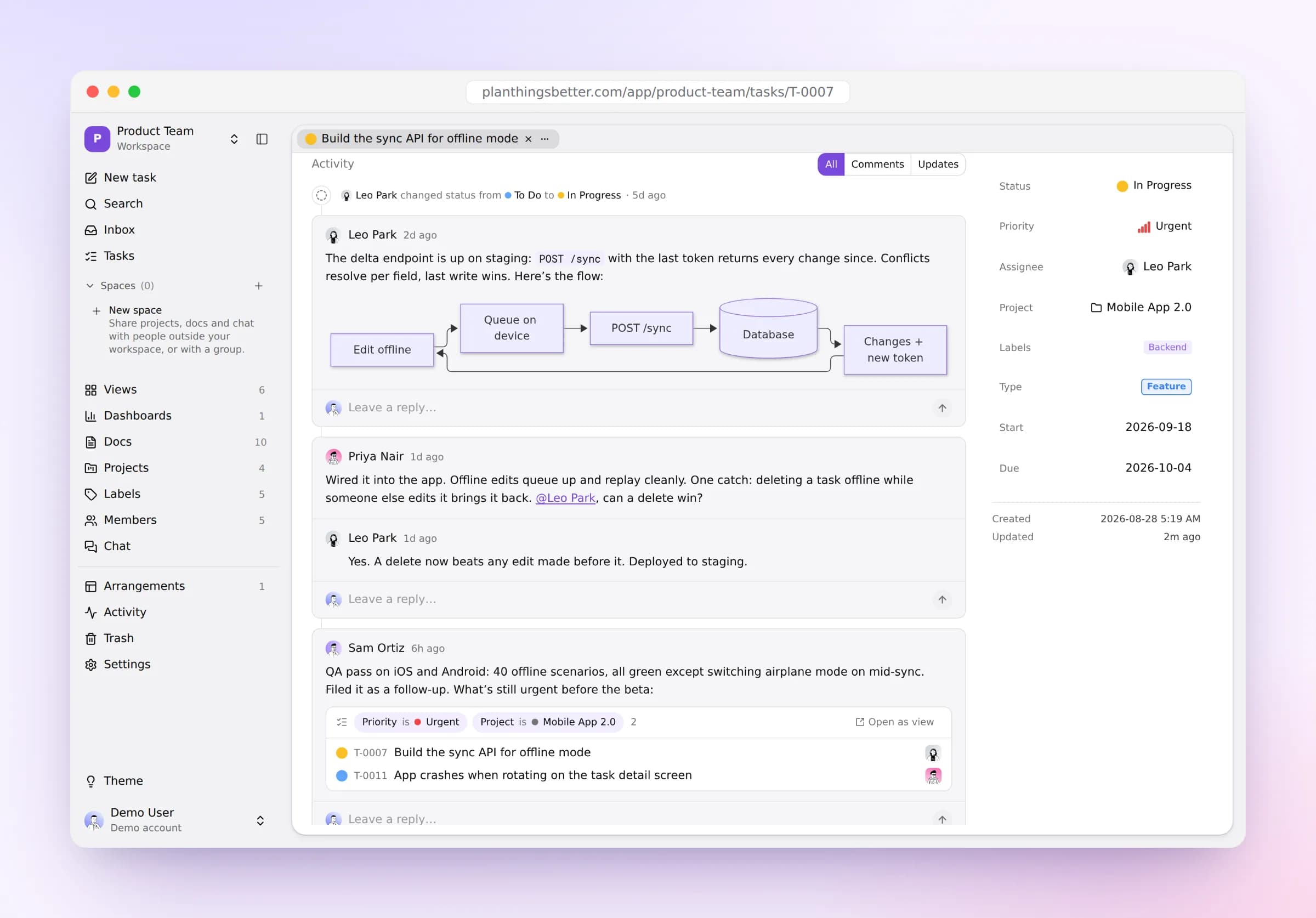
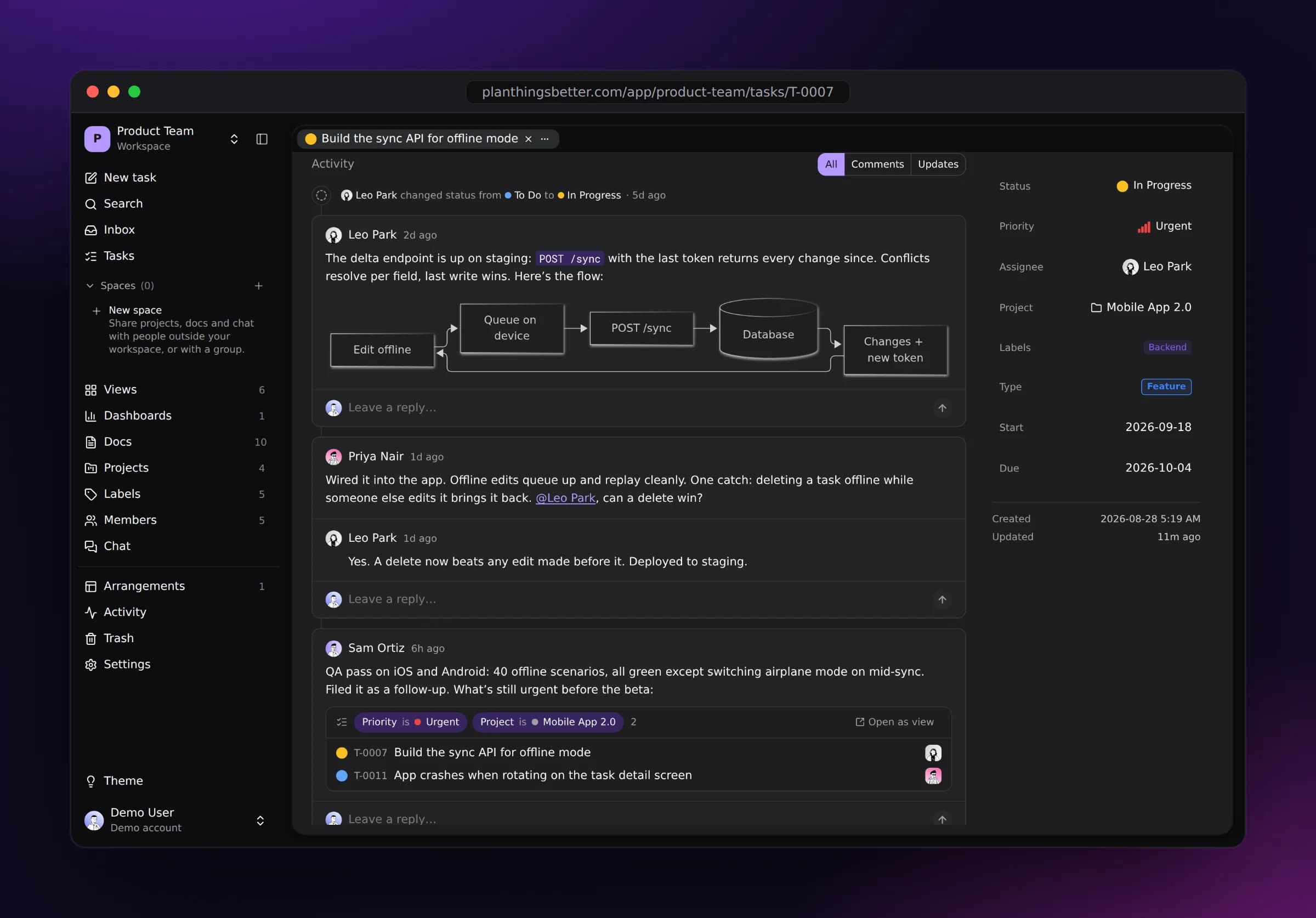
Comment on the task itself, with diagrams and live task lists right in the thread.
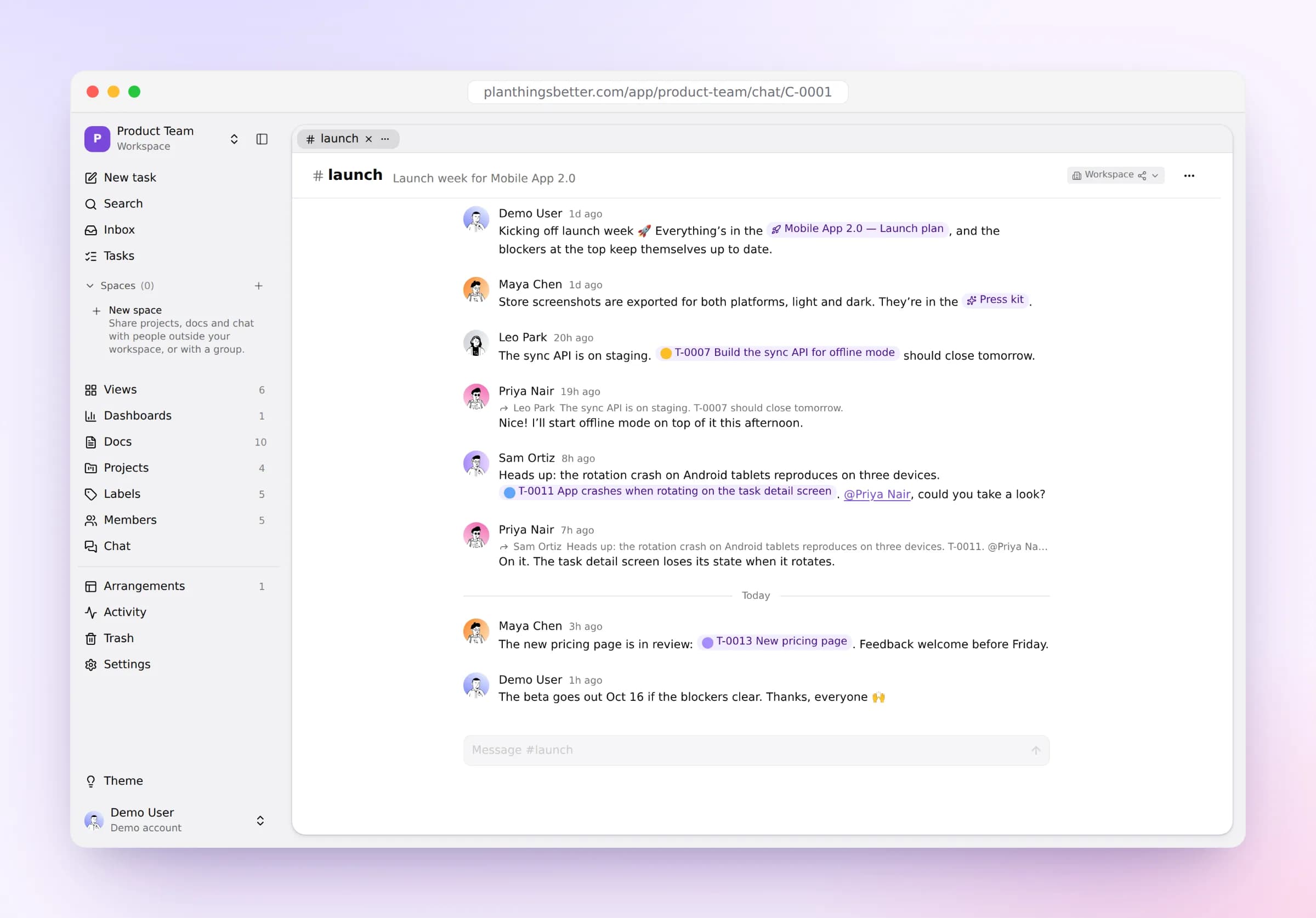
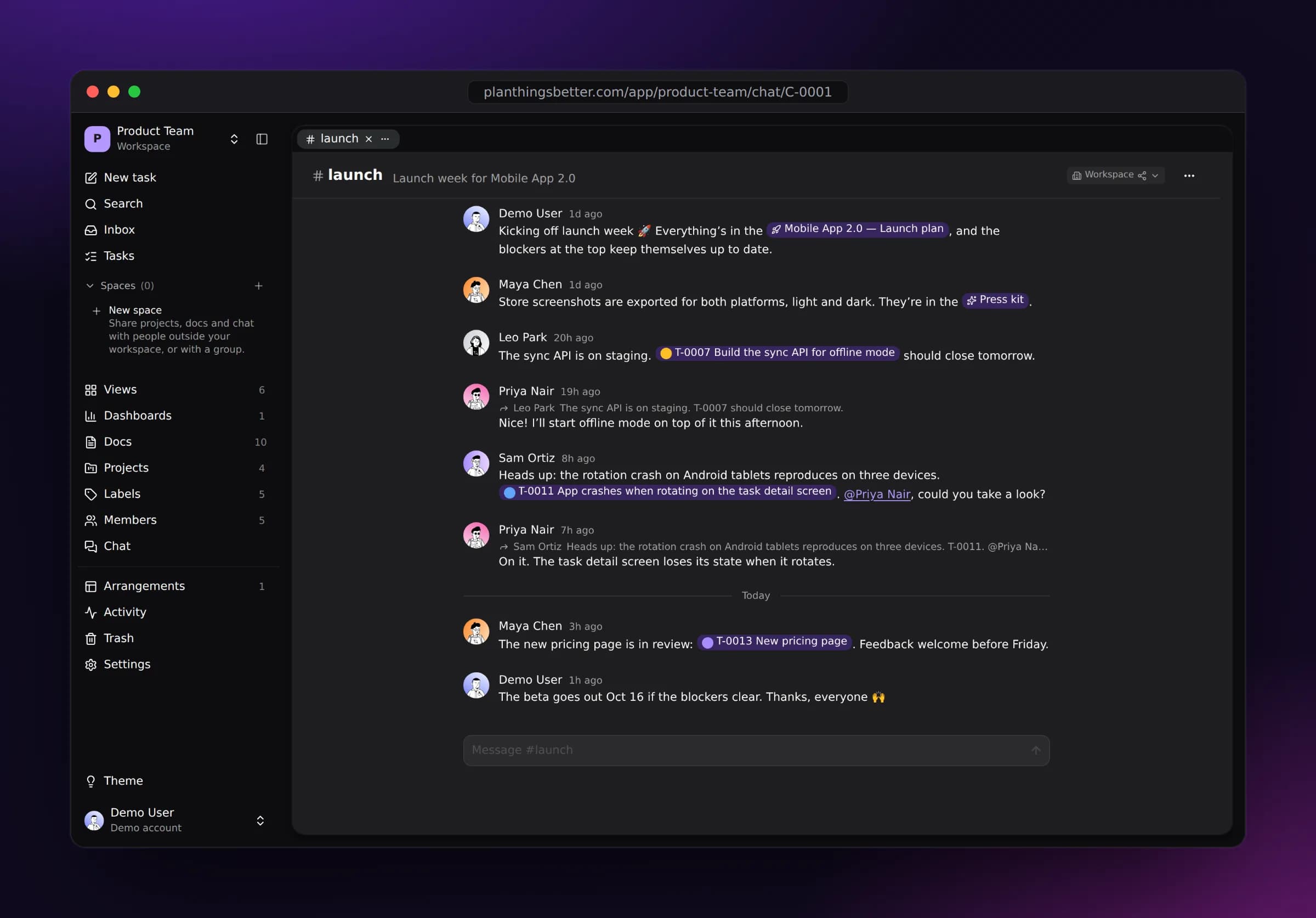
Chat in channels, linking tasks and docs, and @mention whoever needs to see it.
Pricing
Free for you. Simple for your team.
Start on your own for nothing, and pay only for the teammates you add. Guests are always free.
Free
Your own workspace, and people you share it with.
forever
- 1 workspace
- You, plus up to 5 guests
- Every layout, dashboard and view
- Split panes and arrangements
- Activity and Trash
Team
Add workspaces and teammates as you grow.
per member, per workspace, billed yearly
- Everything in Free
- More workspaces, each with its own statuses and labels
- Invite members, with roles
- Unlimited guests, always free
- Chat channels, @mentions and live presence
- Activity kept for good
Vertex Flow
Free · Offline · ObsidianKeyboard-first task management, stored in Markdown.
Rather keep everything on your own machine? Vertex Flow is the same planning as a free Obsidian plugin. Every task, project, view and dashboard is a plain Markdown note in your vault: no cloud, no account, no database. You own your data, always, and can edit it with any tool that reads Markdown.
- Six layouts
- Chart dashboards
- Recurring tasks
- Export to CSV, JSON and iCal
- Offline help
Your next plan starts here.
Set up a workspace in a minute. Bring your team when you’re ready.